
Build with sensors
Turn light, temperature, distance, motion, and sound into a working device you can see and control.
- Best for
- Grades 7–12
- Start
- No prior coding required
- Time
- One-day guided quick start
One-day AI Coding quick start
Connect the MoloWorks Dev Kit, complete the safety check, and describe what you want to build. Claude Code or OpenAI Codex helps generate and refine the software while guided tests verify each milestone.
The one-day outcome covers the published guided core path on a supported computer and kit configuration. Account setup, software updates, network conditions, custom projects, and troubleshooting may require additional time. Provider eligibility and charges apply.
Choose by goal
Pick an outcome first. Each path shows the product, starting level, expected result, and next step.
Turn light, temperature, distance, motion, and sound into a working device you can see and control.
Move from circuits to smart cars, camera robots, touch displays, and voice-enabled devices.
Get live 1:1 help with one difficult problem or follow a complete AI Coding and IoT course.
MoloWorks AI Coding IoT Dev Kit
A focused ESP32-S3 kit for learners who want to build first. Connect the parts, state the desired behavior, and use AI to generate and improve the project software.
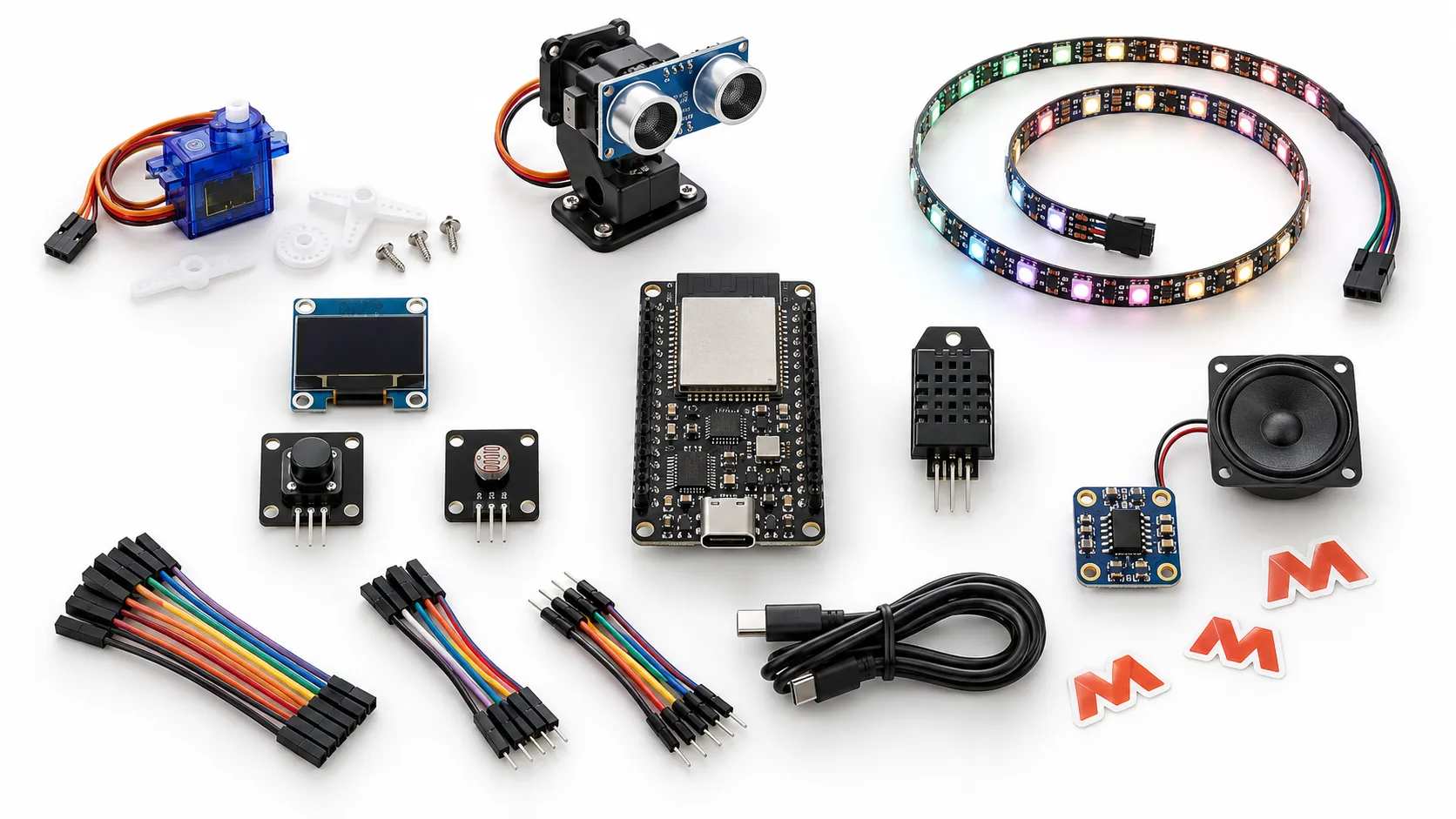
Illustrative concept image. Final component brands, colors, and packaging may vary.
The one-day workflow
You do not need to learn syntax or read every line before making something useful. The guided path keeps the learner focused on the physical system: wiring it safely, defining what it should do, observing the result, and asking AI for the next revision.
Follow the pictured wiring map while power is disconnected. Match each module to its labeled pin group.
Run the connection checklist before USB power. The starter workspace confirms the board and each module.
Describe the behavior in plain language. Choose Claude Code or OpenAI Codex to generate and refine the software.
Try it on the real device, report what happened, and let AI revise the project until the guided checks pass.
Starter builds
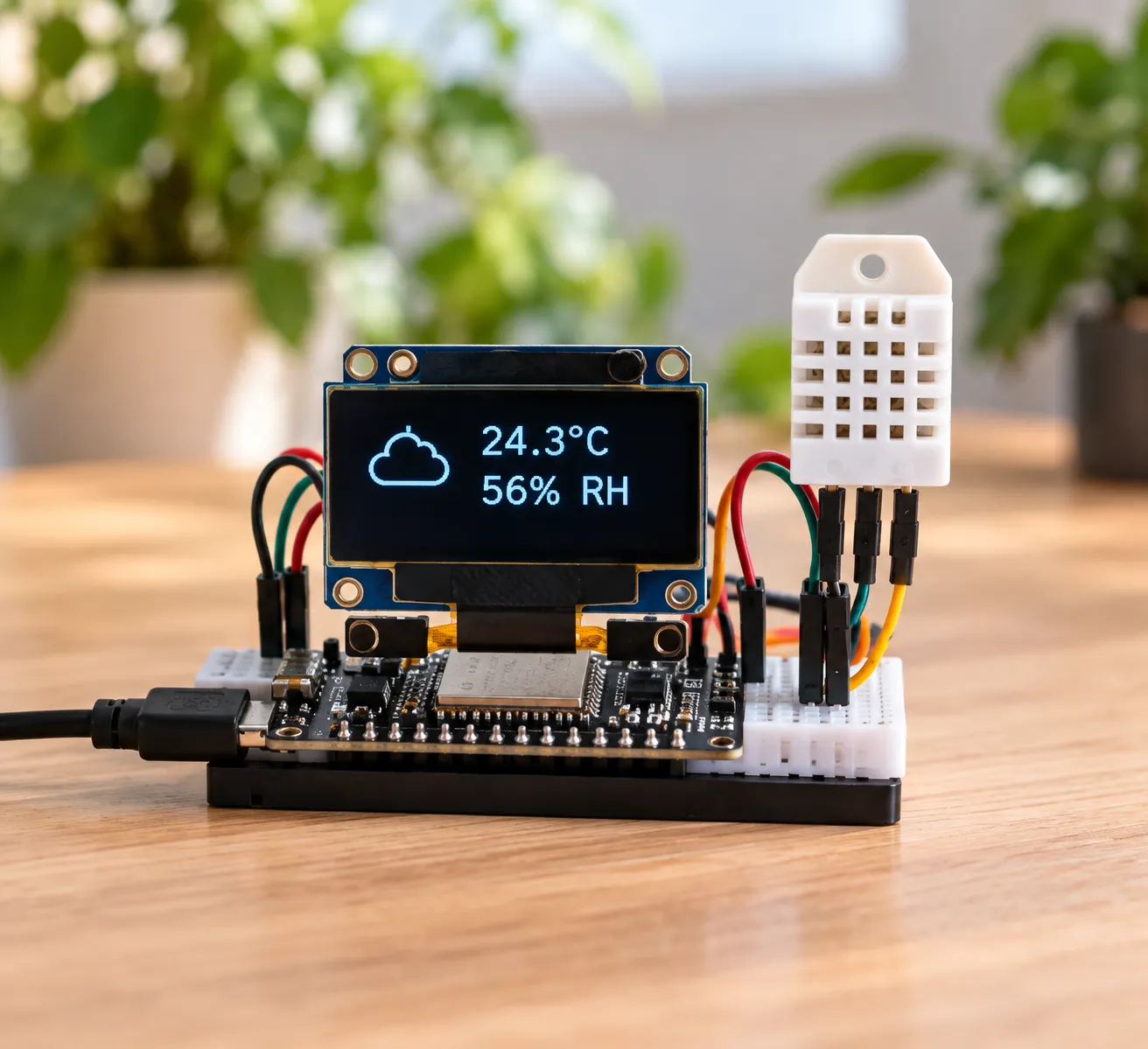
Read temperature and humidity, then ask AI to turn sensor data into a clear OLED dashboard.
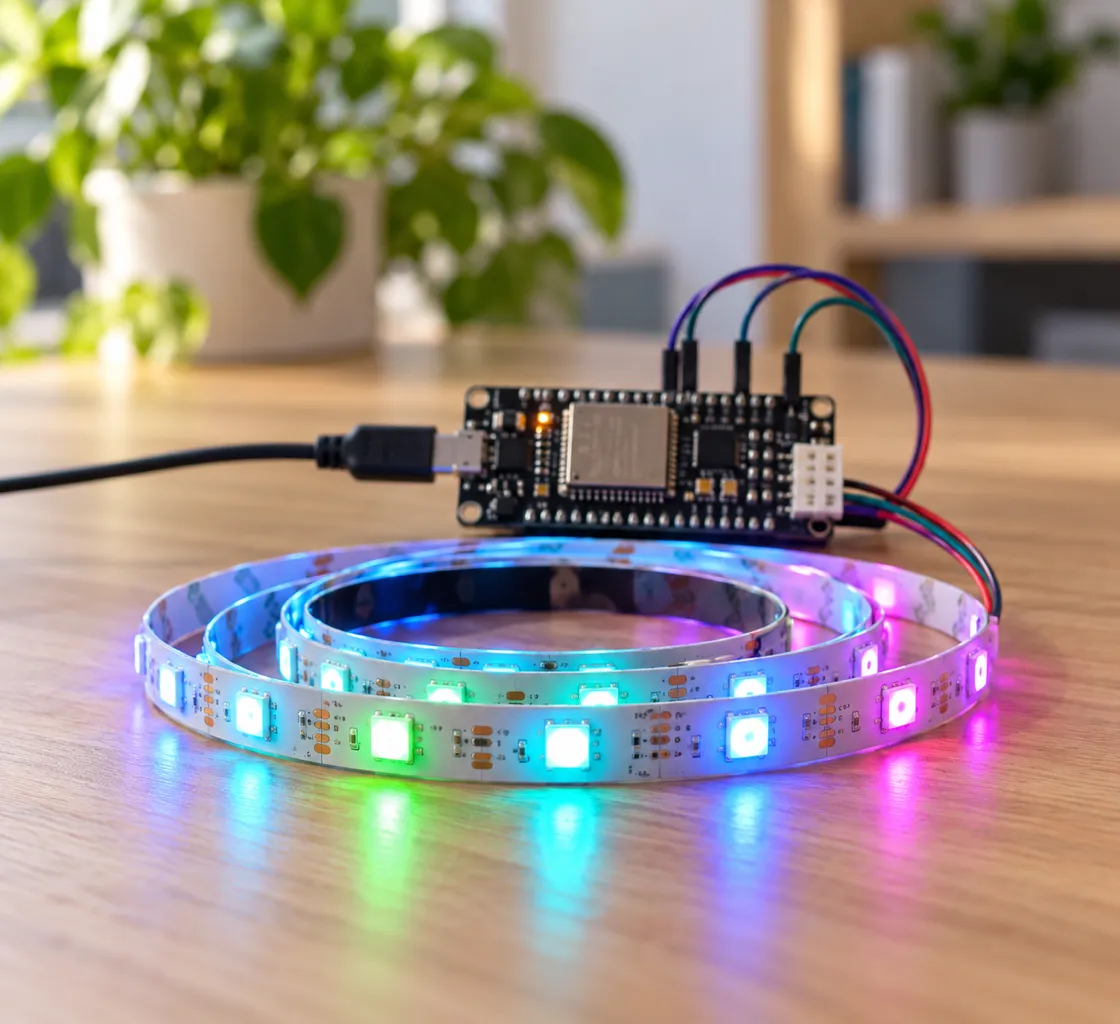
Describe the reaction you want, then combine light sensing and RGB color into one responsive build.
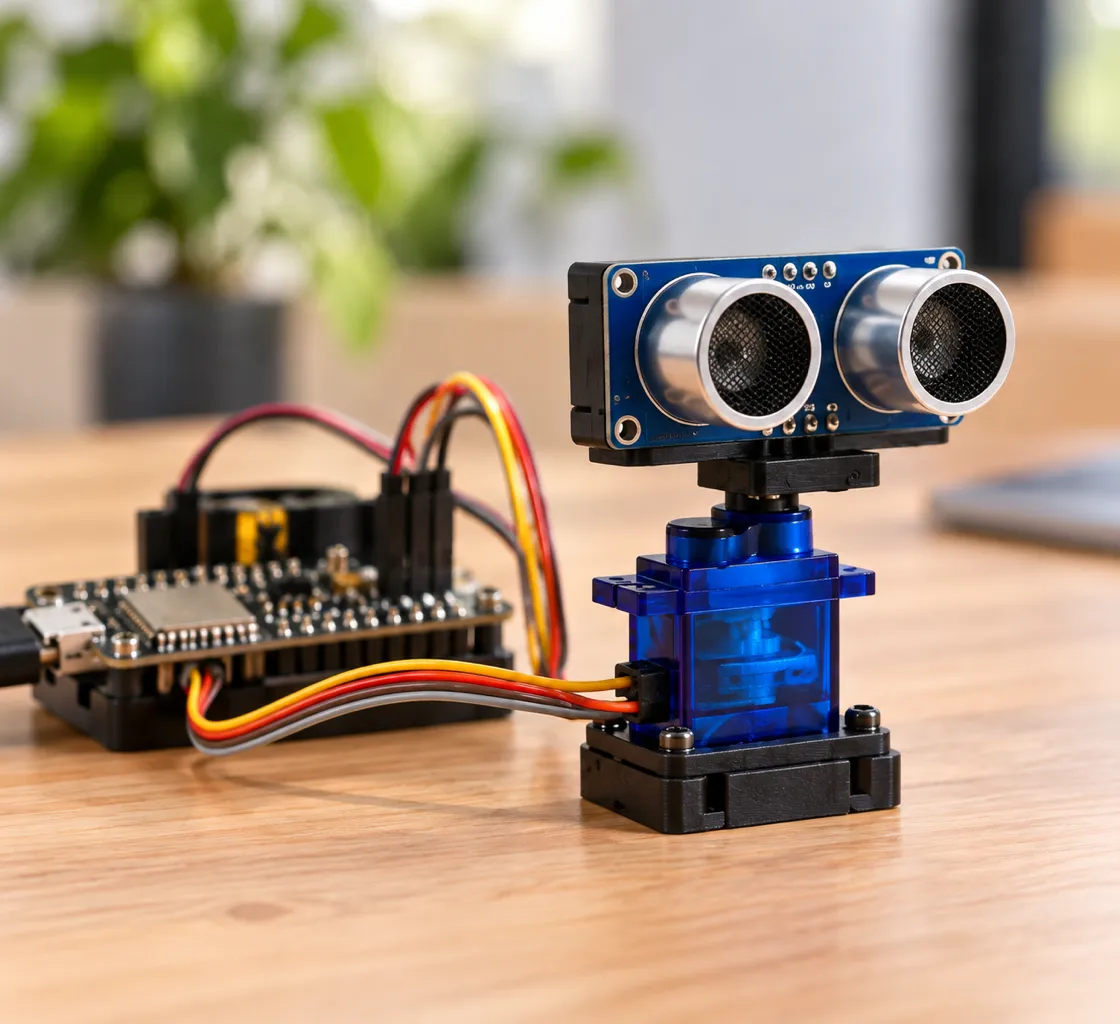
Use distance readings, movement, and sound to create an object-aware alarm with AI-assisted iteration.
Illustrative project images. Final parts, guide timing, and project results may vary after classroom testing.
After the guided Dev Kit start, learners can move into robots, AI assistants, camera projects, and original connected devices.
Run inputs, outputs, sensing, display, motion, light, and sound on ESP32-S3.
Explore smart cars, camera robots, touch displays, and voice-enabled ESP32 projects.
Add sensors, drivers, cables, and modules without buying another full kit.
Learn with an engineer
Live 1:1 sessions help learners connect safely, express a clear requirement, test the real device, and improve the result with AI. No programming background is required.
Debug one project, confirm wiring, understand a result, or plan the next build.
60 minutes · Live online
View session detailsA structured 1:1 journey from first connection to an original connected device.
30 lessons × 40 minutes · 20 hours total · Kit sold separately
View the coursePrepare before launch
Download the current planning sheets, review the supported-computer requirements, and follow official ESP32 and AI-tool resources while the starter guides are validated.
Open the learning library